
Client feedback on your cut, at the exact second.
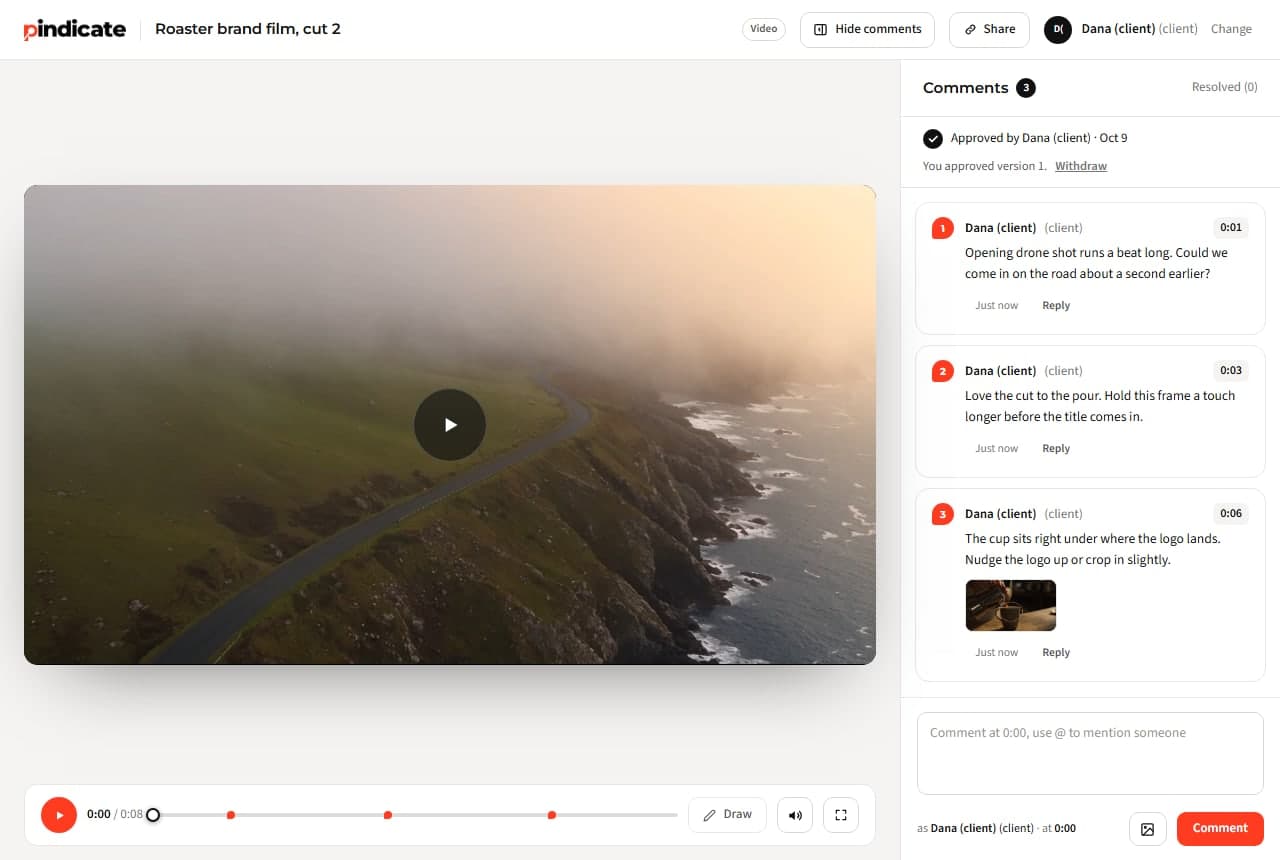
Send one link to the cut. Your client opens it, types a name, and every note lands on the exact second, with a drawing on the frame if they want. No account, no app, no per-seat bill.
MP4, MOV and WebM. Nothing is re-encoded; the browser plays the file you export.
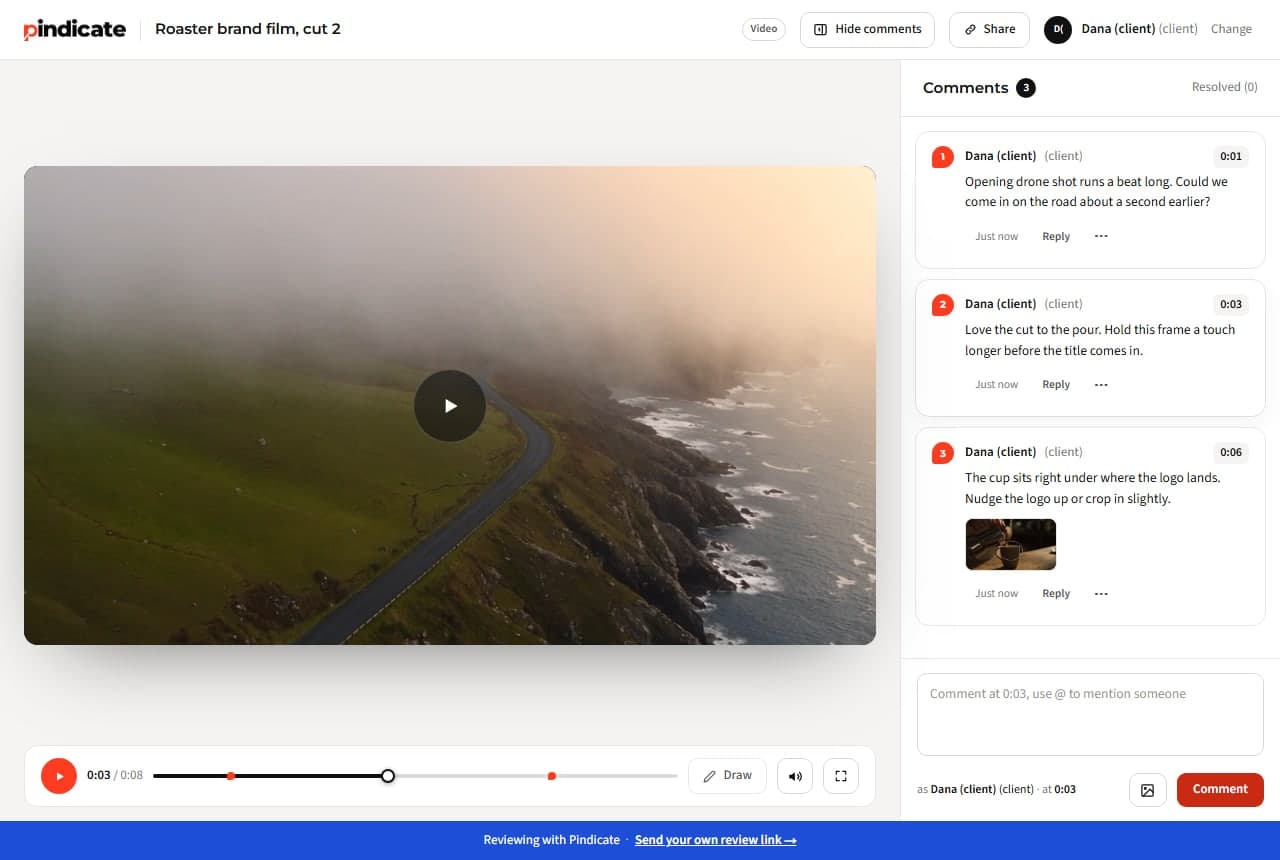
“Can you make the logo come in a bit later?”
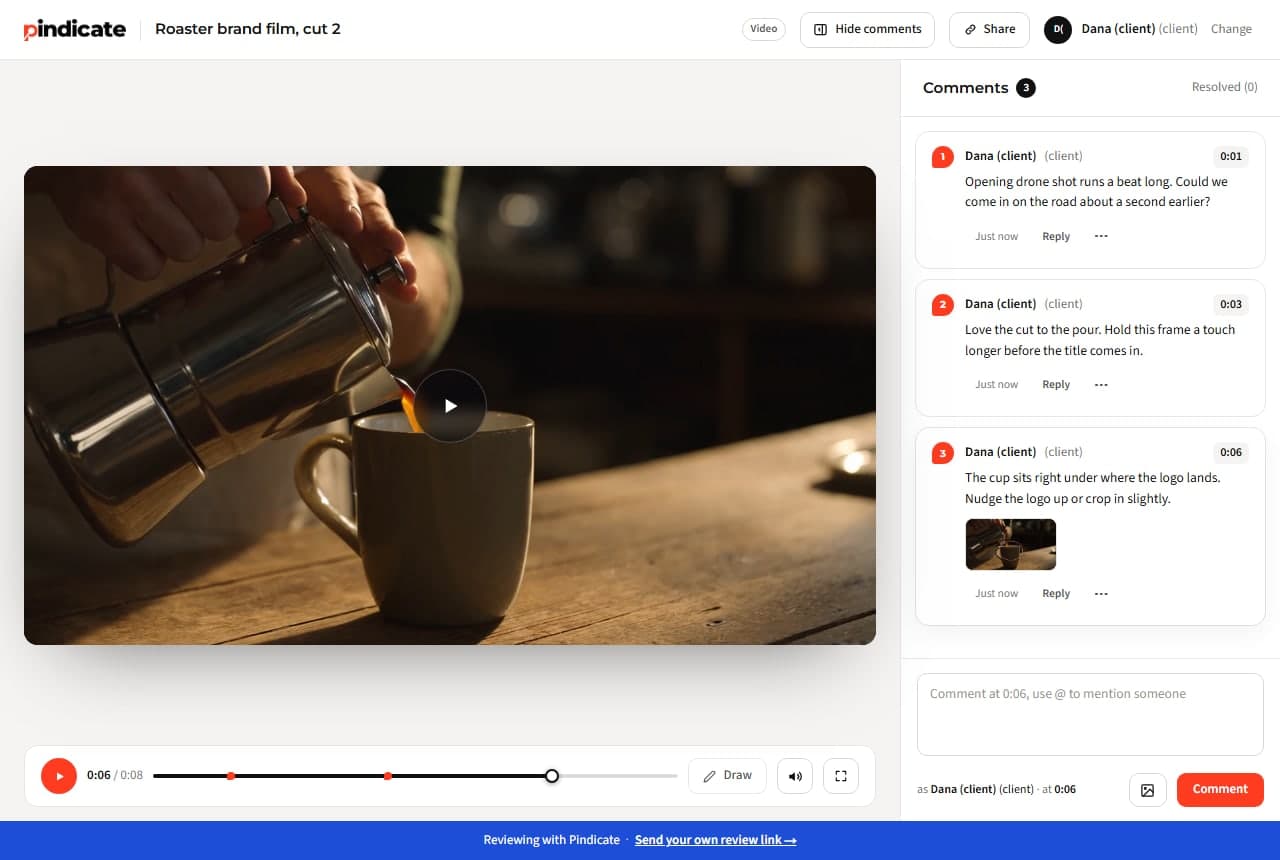
Later than what? Timestamped notes end the guessing. Each comment is saved with the second it was left on, and clicking it jumps the player there.
Three threads, two phone calls, one WhatsApp voice note.
Everything about this cut lives on one link, in order, with replies under each note. You read it top to bottom and start cutting.
“Which version is this?”
On Pro, every round goes on the same link as a new version. The client always opens the current one, and the old rounds stay underneath for reference.
How client video review works on Pindicate
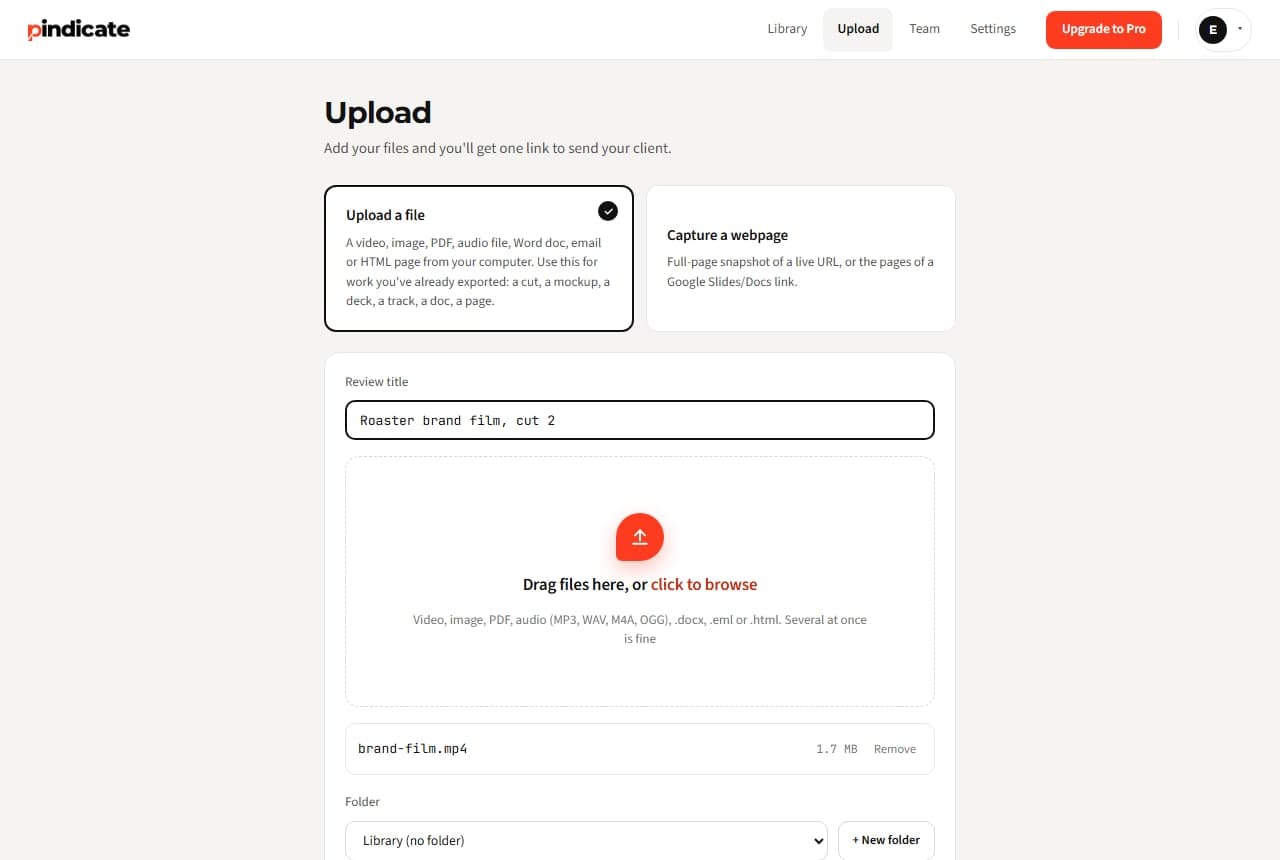
- Upload the cut. Drop the MP4 on the upload page (or paste it on the homepage, no signup). You get one link.
- Send the link. Email, text, Slack, wherever the client already is.
- They comment at the second. They press play, pause where something's off, and type. The note keeps the timestamp. They can draw on the paused frame to point at the thing.
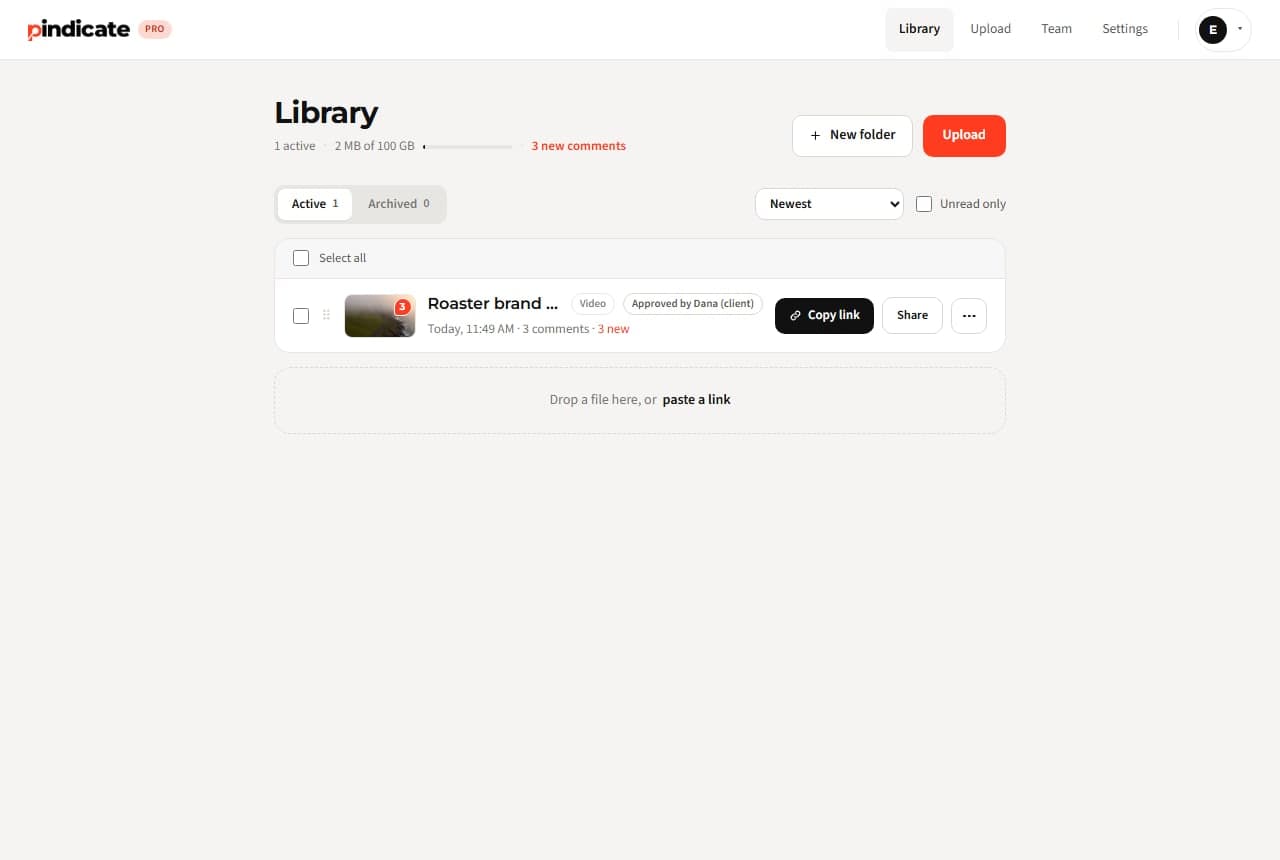
- You see it in one place. Notes in time order with replies. Reply, resolve, re-upload. On Pro the next cut goes on the same link.
One flat price. Not per member, not per reviewer.
Frame.io Pro is $15 per member a month; a three-person shop pays $45 before anyone reviews a cut. Pindicate Pro is $12 a month, flat, with up to 5 teammate logins included, and clients never count against anything.
- Clients need an account?
- No
- Price per teammate?
- No, 5 included
- Per-file limit?
- None
The thumbnail, the title card and the landing page go through the same link
Editors don't only send video. The same review handles the thumbnail (pin a spot on the image), the client's PDF brief, the episode's landing page (paste the URL), and the audio-only version (comments tick along the waveform). One tool, one link style, one place your client already knows how to use.
- Video
- Audio
- Images
- PDFs
- Websites
- HTML
- Word
- Google Docs and Slides
When a client goes quiet, Pindicate nudges them for you
Pro adds the things that save a round:
- Versions on the same link. Round 2 replaces round 1 for the client; both stay for you.
- Approval in writing. The client clicks Approve on a version; you get the email with the name and the time.
- Automatic reminders. A quiet client gets a nudge, so you don't have to be the one chasing.
- Instant comment emails instead of a daily digest.
- Your logo on the review page, no Pindicate footer, password-protected links.
- Up to 5 teammates with their own logins. Your assistant editor sees the same comments.
3 active reviews at a time, 5 GB, no per-file size limit, every format.
Unlimited active reviews, 100 GB, versions, approvals, reminders, logo, 5 teammate logins.
One flat price. No per-client or per-reviewer fees.See pricing
Questions video editors ask
Do my clients need an account to review a video?
No. They open your link, type a name and press play. Comments and drawings save without a login. If they add an email, they get told when you reply.
How big can the video be?
There's no per-file limit. Free includes 5 GB of storage in total; Pro includes 100 GB. Export a web-ready MP4 (H.264 + AAC) so it plays in every browser; nothing is re-encoded on our side.
Can clients comment on a specific second?
Yes. Every comment on a video is saved with the second it was left on, and clicking the comment jumps the player there. They can also draw on the paused frame.
Does it work with Premiere Pro or Resolve?
Not as a panel. You export the cut and upload the file. If you live inside Premiere and want review in the panel, Frame.io is the tool for that; our Frame.io comparison says when to stay.
Can I send a new cut without a new link?
On Pro, yes. Upload the next version to the same review and the client's link now opens round 2, with round 1 still there underneath.
What about audio-only, like a podcast edit?
Upload MP3, WAV, M4A or OGG. Comments tick along the waveform at the second they were left, same as video.
Send your next cut through Pindicate.
One link. Comments at the second. No account for the client. Free for 3 active reviews.