Guides
Step-by-step guides to collecting, organizing and acting on client feedback.
How to Get Client Feedback From Claude With the Pindicate MCP
Connect Pindicate to Claude, Claude Code or Cursor. Send your work to a client, get pinned comments back, and have Claude fix it. Free plan works.
GuidesHow to Get Claude Artifact Feedback From Clients Who Don't Use Claude
Claude artifact feedback without Slack threads: why public-link viewers can't comment in Claude, which link type you have, and how clients pin notes free.
GuidesThe Artwork Approval Process for Freelancers and Small Studios
A simple artwork approval process for freelancers and small studios: 6 steps, a pre-print checklist, and a sign-off message you can copy.
GuidesHow to Annotate a Website for Feedback, Free and Without an Extension
How to annotate a website for client or team feedback in five steps, free, with no extension to install. Plus when a screenshot, an extension or a widget fits better.
GuidesHow to Get Feedback on Your Logo Design That You Can Actually Use
How to get feedback on your logo design: who to ask, the exact questions that get useful answers, where to post, and how to collect it all in one place.
GuidesMeet Pindicate: The Client Feedback Tool for Creative Work
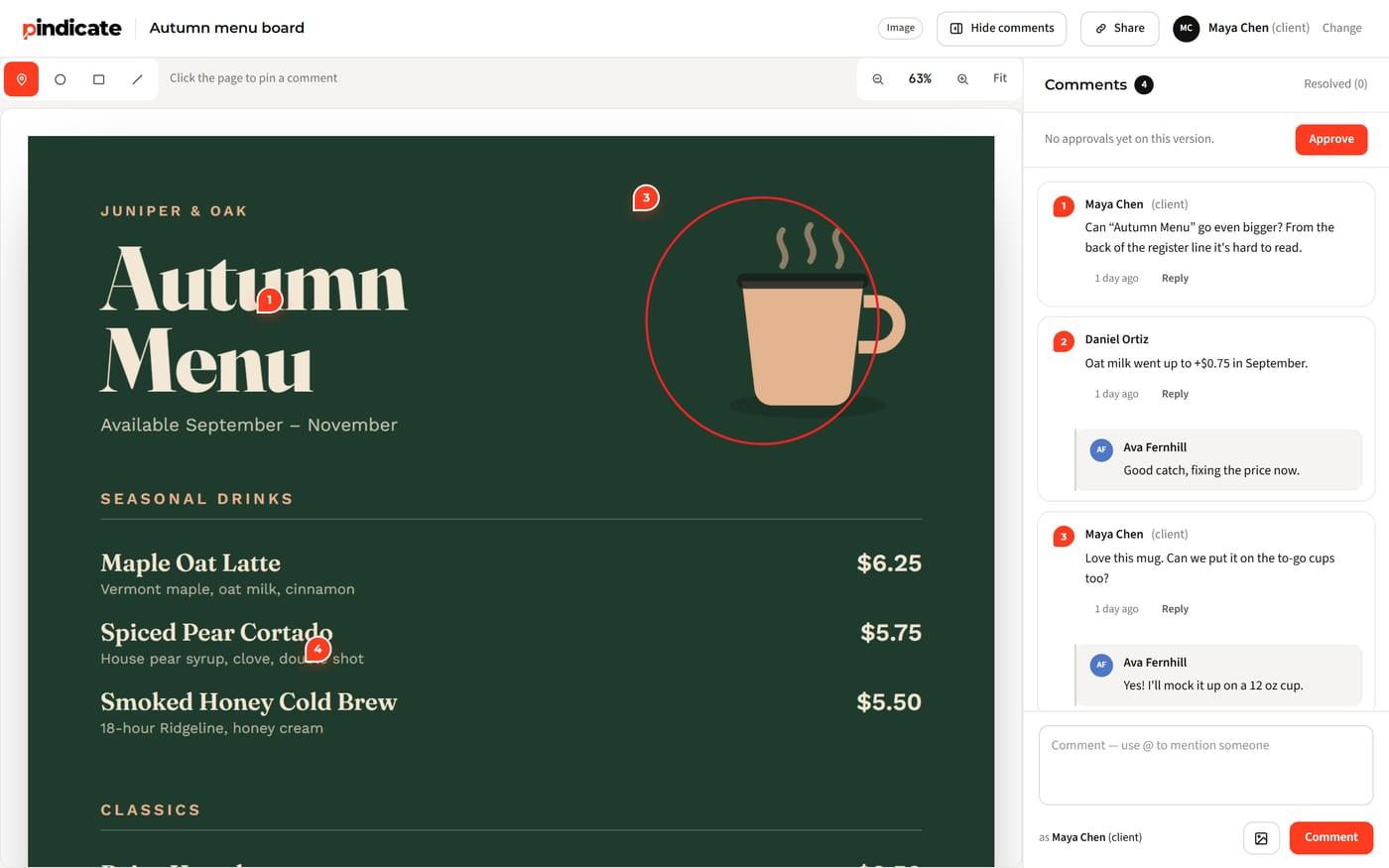
A client feedback tool for creative work. Clients pin comments on video, audio, images, PDFs, websites, HTML, docs, slides and email. No login needed.
Get new posts by email
Guides on getting clear client feedback and getting work approved faster. We only email when there's a new post.
We'll email you a link to confirm. You can unsubscribe any time. Privacy Policy
Stop decoding client feedback
Upload a video, image, PDF or website and send your client one link. They pin comments right on the work. No client login.